
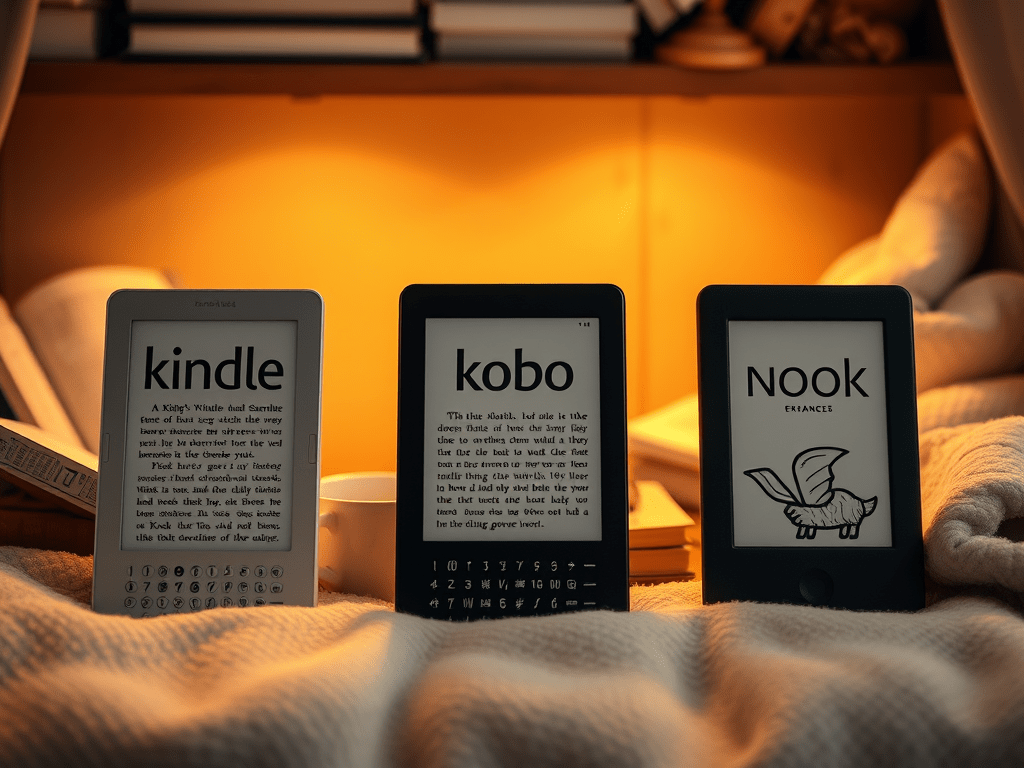
I bought a Kindle years ago (2007 does not seem that far back to me, but somehow it “sounds” like eons ago) and found it in a pile of books recently. I plugged it in and charged it up, but it would not sync. Online forums explain that the software is no longer supported so here I am, all jazzed about using my e-reader and it does not work. I have asked friends and family about what they use and their responses are VAST. Some really like the Kindle app, others like e-readers. Some use the Nook. I did a little bit of research on my own. Here is the breakdown of the key differences between the most popular e-readers, highlighting their pros and cons to help you make the right choice (in case you want to buy one!). BTW, I am not making any dough off of talking about these different options. This is just me, friend to friend, letting you know my thoughts.
📘 Amazon Kindle Series
Popular Models:
- Kindle (basic)
- Kindle Paperwhite
- Kindle Oasis
- Kindle Scribe
Pros:
- Vast library: Seamless integration with Amazon’s Kindle Store, which offers millions of books, newspapers, and magazines.
- Whispersync: Syncs your reading progress across devices (great if you switch between a Kindle and the Kindle app).
- Battery life: Typically lasts weeks on a single charge.
- Paperwhite and Oasis: Waterproof and feature adjustable warm lighting for comfortable reading.
- Kindle Scribe: Allows note-taking and PDF annotation with a stylus.
Cons:
- Limited format support: Primarily supports Amazon’s proprietary formats (.AZW, .MOBI), although .EPUB support is improving.
- Amazon ecosystem lock-in: You’re largely tied to buying from Amazon unless you sideload content.
- Price: Oasis and Scribe are on the expensive side.
Best For:
Amazon users, heavy readers, or anyone looking for seamless syncing and an extensive store.
📘 Kobo E-Readers
Popular Models:
- Kobo Clara 2E
- Kobo Libra 2
- Kobo Sage
- Kobo Elipsa (with stylus)
Pros:
- Open ecosystem: Supports a wide range of file formats, including .EPUB, .PDF, .CBZ, and more.
- OverDrive integration: Borrow library books directly from your local library.
- Customization: Offers more font and layout customization options than Kindle.
- Waterproof models: Great for reading in the bath or by the pool.
- Eco-conscious design: Some models like the Clara 2E are made from recycled plastics.
Cons:
- Smaller content store: Not as expansive as Amazon’s Kindle Store.
- Fewer third-party apps: Lacks the robust Amazon ecosystem and app support.
- Interface can feel slower than Kindle, depending on the model.
Best For:
Library lovers, EPUB readers, and those who prefer flexibility over being locked into one store.
📘 Barnes & Noble Nook
Popular Models:
- Nook GlowLight 4
- Nook GlowLight 4 Plus
Pros:
- Support for .EPUB files and PDFs.
- Physical bookstore integration: Buy e-books online or in-store at Barnes & Noble.
- Comfortable design: GlowLight models are lightweight with soft-touch finishes and physical page-turn buttons.
- Store staff support: Access in-person tech help at B&N stores.
Cons:
- Limited ecosystem: The Nook store isn’t as comprehensive as Kindle or Kobo.
- Software updates are inconsistent and can be buggy.
- Declining support: B&N’s investment in the Nook brand has wavered over the years.
Best For:
Loyal B&N customers who want occasional tech support in-store.
📘 Onyx Boox & Other Android-Based E-Readers
Popular Models:
- Onyx Boox Note Air
- Boox Leaf 2
- Boox Tab Ultra
Pros:
- Android-based: Can run Kindle, Kobo, and other reading apps from the Google Play Store.
- Powerful hardware: Often has more RAM, storage, and responsiveness than traditional e-readers.
- Great for PDFs and note-taking: Excellent for academic reading, digital planners, and productivity.
- Stylus included with some models for handwriting.
Cons:
- Expensive: Often costs more than mainstream e-readers.
- Shorter battery life: Due to more advanced features.
- Not as simple: The Android interface can feel too complex if you’re only looking to read books.
Best For:
Tech-savvy users, academic professionals, or anyone who wants an e-reader + tablet hybrid.
Final Thoughts: Which One Is Right for You?
- For everyday readers who want simplicity and a wide selection, the Kindle Paperwhite is an excellent choice.
- For library users or those who prefer open formats, Kobo Clara 2E or Libra 2 delivers flexibility.
- For occasional readers who like in-person help and brick-and-mortar browsing, Nook GlowLight is a solid pick.
- For advanced users who want note-taking, academic support, and multitasking, consider Onyx Boox devices.
Bonus Tip: Think About Screen Size and Lighting
Smaller screens (6″) are great for portability, while larger screens (7″–10″) are better for PDFs and annotating. Most modern e-readers offer front lights and adjustable color temperature for night reading—don’t skip this feature if you read in bed!
No matter which e-reader you choose, the best one is the one that fits your lifestyle, budget, and reading habits. Happy reading!
Let me know if you like this post! If you bought an e-reader, I would love to know which one you like best and why!
Blessings,
Heather

 Calm Journey